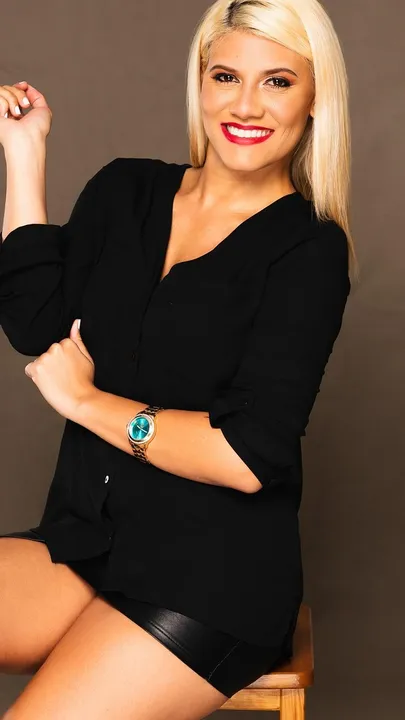
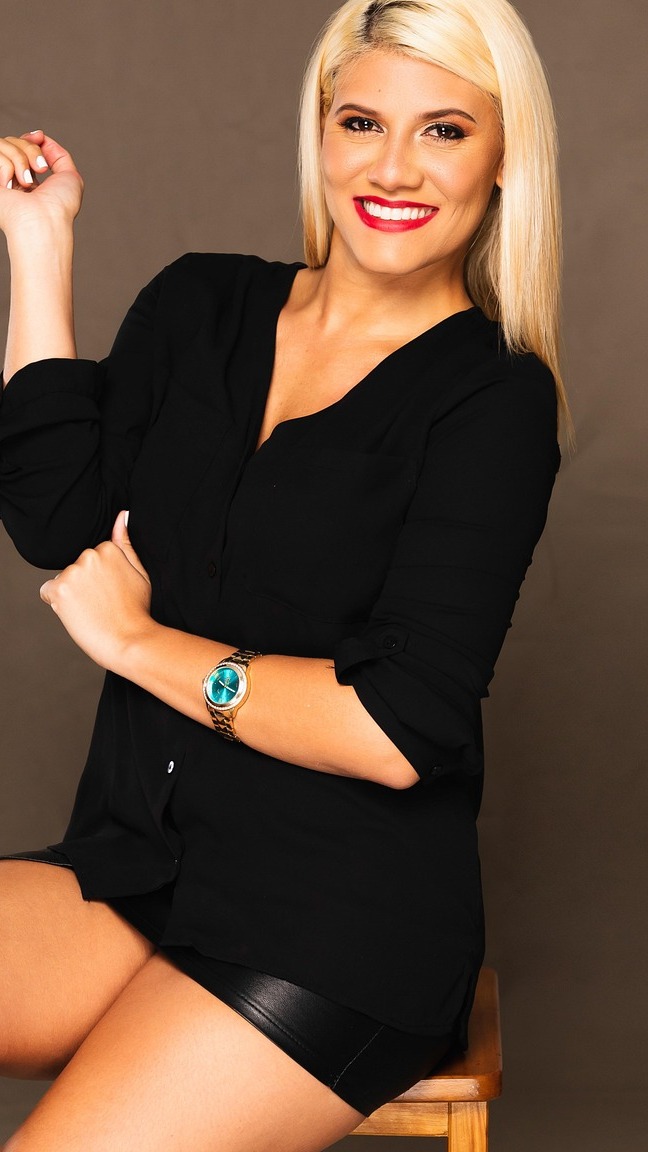
How to crop a picture to 9:16
- Pick a photo; a tall 9:16 box, the full-screen phone shape, appears on it straight away.
- On a wide photo the box covers a narrow slice, so slide it sideways onto the person or the action you want in the story.
- Press Crop Picture. On a phone, Share sends the result straight to the app you are posting from.
Where 9:16 is used
- Stories and reels — full-screen vertical posts; see crop for Instagram.
- Short-form vertical video covers.
- Phone wallpapers and lock screens.
- Vertical digital signage.
Common pixel sizes
| Use | Size |
|---|---|
| Stories / reels | 1080 × 1920 |
| HD vertical | 720 × 1280 |
| QHD vertical | 1440 × 2560 |
On stories the top and bottom of the screen are covered by the profile name and the reply bar. Keep faces and text roughly in the middle two-thirds of the frame.
Frequently asked questions
Can I make a 9:16 crop from a landscape photo?
Yes. You keep a tall slice of the photo; drag it sideways to choose which slice. The rest of the width is cropped away.
Can I get the square and wide versions too?
Yes. Use a Crop Set (Square + Portrait + Story + Wide) to get all four shapes from one photo in one download.